Cloud telephony

Cloud telephony, explained for your team.

A business phone system that runs online can connect desk phones, mobiles, computer apps and Microsoft Teams. Here is what the main parts do in plain English.

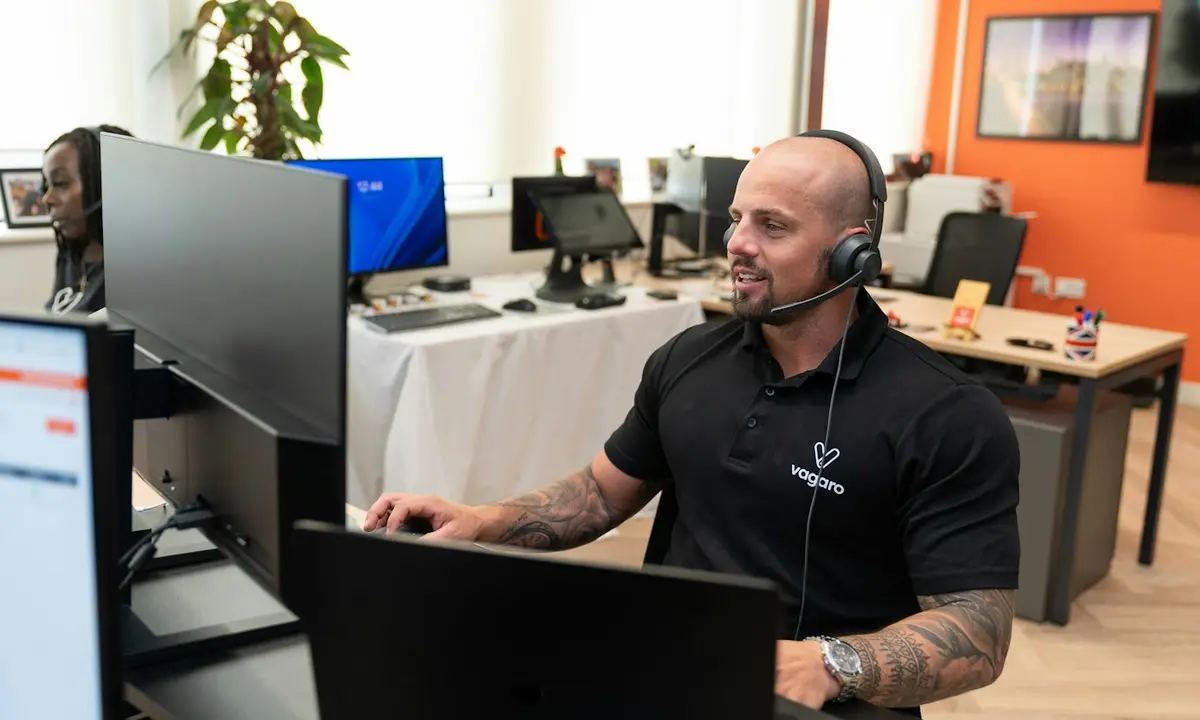
A customer support representative wearing a headset at a computer.
Cloud call routingOpening hours · ring groups · agreed routes

What is a PBX?

A business phone system (PBX) decides which phones ring, who picks up next and what happens after hours. For example, reception can ring first, then the duty manager’s mobile.

What is VoIP?

Phone calls over your internet connection instead of old copper lines (VoIP). For example, a colleague can answer a work call on a desk phone or an app.

What is an IVR?

A phone menu that says “Press 1 for appointments” and sends callers to the right place (interactive voice response, or IVR).

Opening-hours routing

VoIP routing by opening hoursIllustrative flow
Incoming callBusiness number
Time-of-day ruleMon–Fri · 08:00–18:30
Open · ring groupReception · Accounts · Support
ClosedAI Receptionist or voicemail-to-message
Mobile & desktop appsTeam devices

Time-of-day rules route open and closed calls to the agreed teams and devices.

The schedule and destinations are configured around your organisation.

The basics, in everyday language

What is a PBX? What is VoIP? What is an IVR?

What is a PBX?

Your business phone system decides which phones ring and who answers next.

For example: Reception rings first, then the duty manager’s mobile.

What is VoIP?

Phone calls travel over your internet connection instead of old copper lines.

For example: Answer a work call on a desk phone or an app.

What is an IVR?

A phone menu gives callers a simple “press 1” choice.

For example: Press 1 for appointments, or 0 for reception.

Made for everyday moments

Explore cloud telephony services.

Start with the phone system, number or call feature that matches what your team needs.

Cloud PBX

Choose which phones ring, who answers next and what happens after hours.

Explore Cloud PBX

Number portal

Search number areas, compare options and send an order request for confirmation.

Explore Number portal

One business number, your choice of device

Answer calls anywhere.

Choose where calls ring so your team can answer from the devices it already uses.

  • Desk phone

    Reception answers on its usual handset.

  • Mobile

    The duty manager takes the next ring.

  • PC/Mac app

    A colleague answers from their computer.

  • Phone app

    Take a call while moving around the building.

  • Microsoft Teams

    Answer through your work Teams account.

Integrations

Connect your call flow with tools your team uses.

Explore integration examples relevant to this service.

SlackMicrosoft TeamsGoogle CalendarOutlook Calendar
Explore integrations

A little more clarity

Good questions, clear answers

Still have a question? We’re happy to talk it through.

Ask our team
Do we need to replace all of our phones?

Not always. We can discuss the handsets and phone system you already use, along with the options for calls over the internet.

Can people answer calls away from a desk?

Calls can be set up for desk phones, mobile phones, a PC/Mac app, a phone app and Microsoft Teams.

A good conversation starts here

Let’s make the next call feel clearer.

Tell us what your callers need and we can explore a suitable way forward.

CallWhatsApp Book demo